RESTAURANT WORKFLOW · 01
A table QR starts the order.
Guests browse the menu, choose items and send their order with table context. No separate guest app is required.
Explore Restaurant software ↗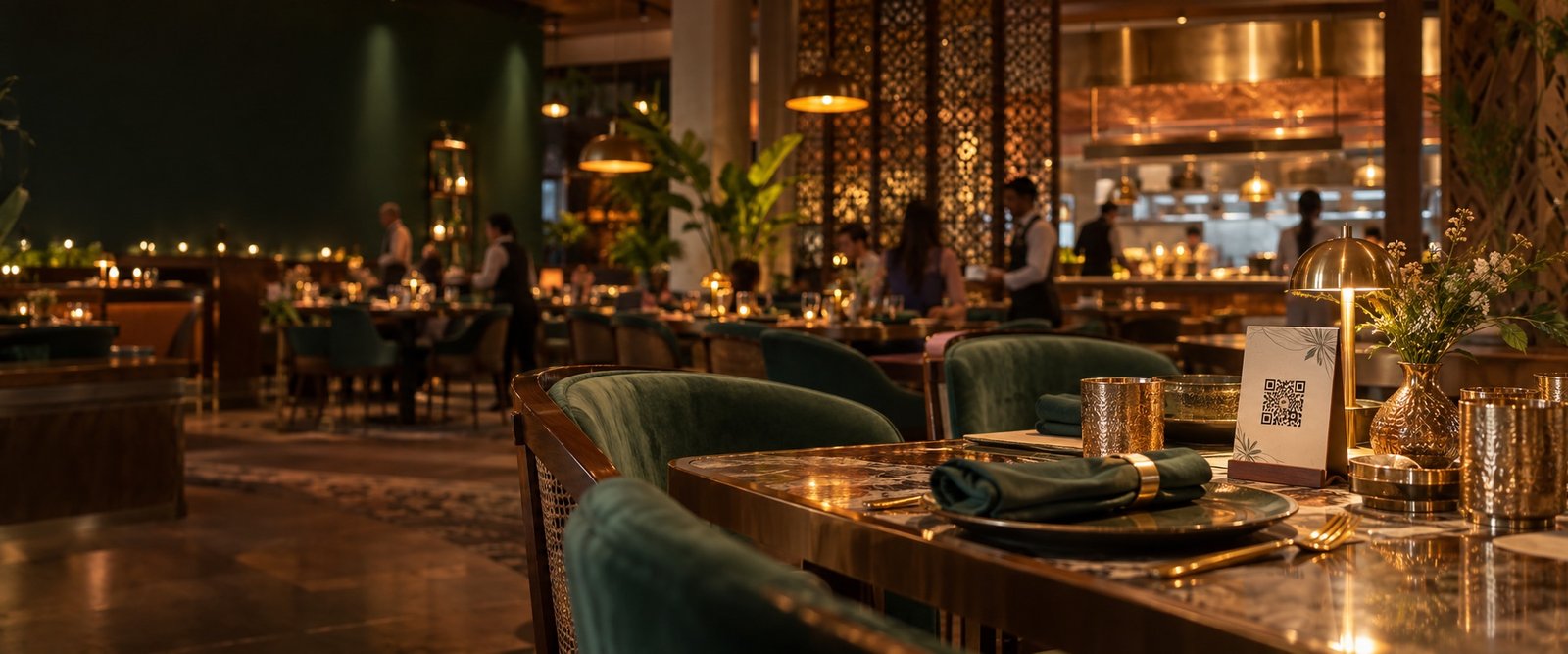

DineQube keeps the public journey simple and connects it to the people who actually fulfil the experience.
SEE HOW DINEQUBE WORKS
Choose your business, then explore the three hand-offs. See where the guest journey meets your operation.
RESTAURANT WORKFLOW · 01
Guests browse the menu, choose items and send their order with table context. No separate guest app is required.
Explore Restaurant software ↗RESTAURANT WORKFLOW · 02
The order reaches the restaurant workspace with items and instructions. Staff use the supported kitchen and KOT actions to move service forward.
Explore Restaurant software ↗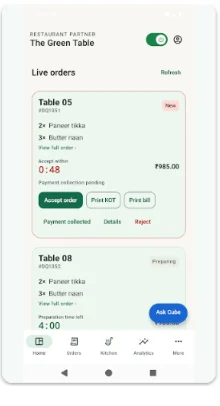
RESTAURANT WORKFLOW · 03
Keep ready, served and payment collection as distinct actions. Review the final bill and the collection status from the restaurant workflow.
Explore Restaurant software ↗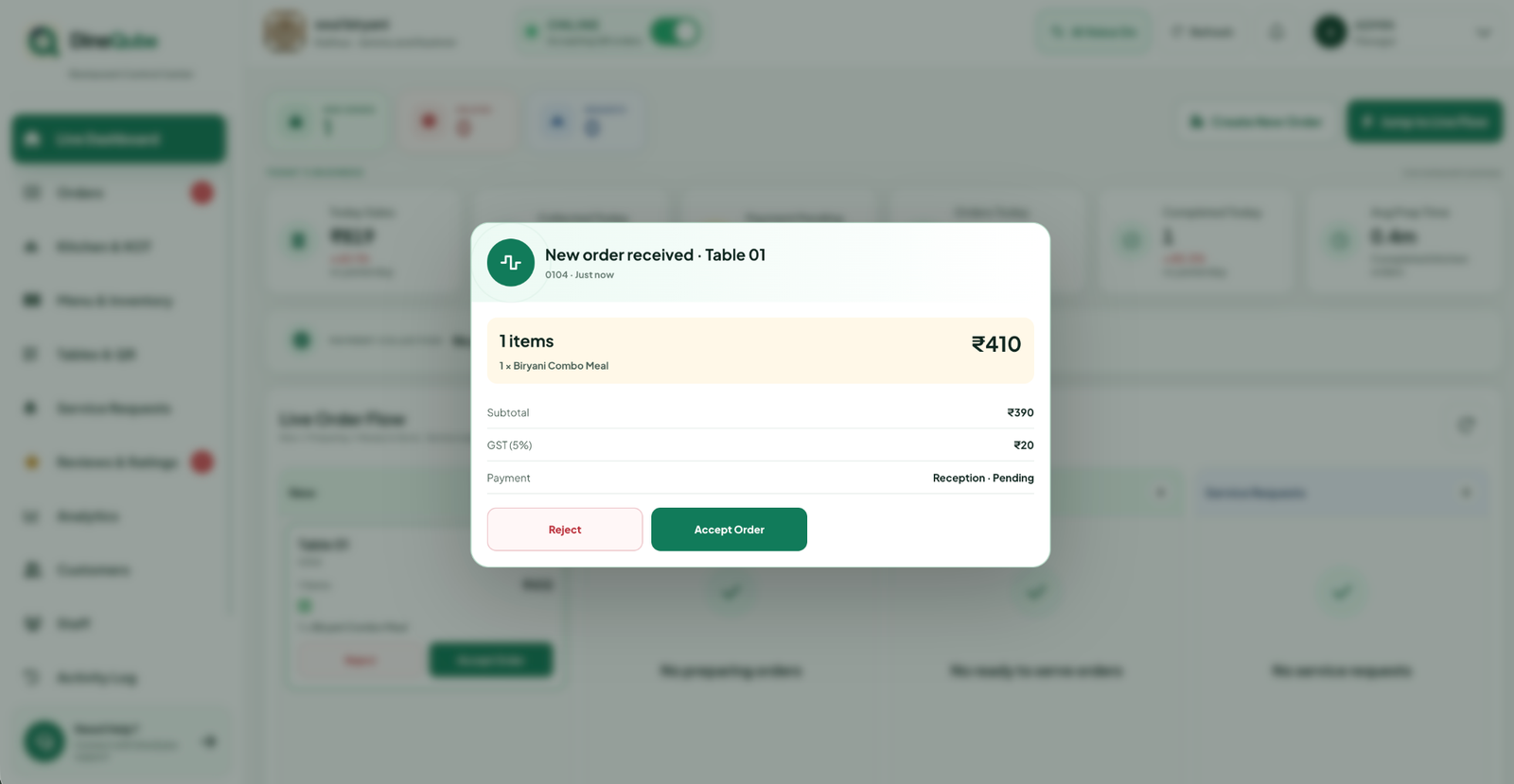
HOTEL WORKFLOW · 01
Guests open dining, housekeeping, amenities and assistance from their phone. The room stays connected to the order or request.
Explore Hotel software ↗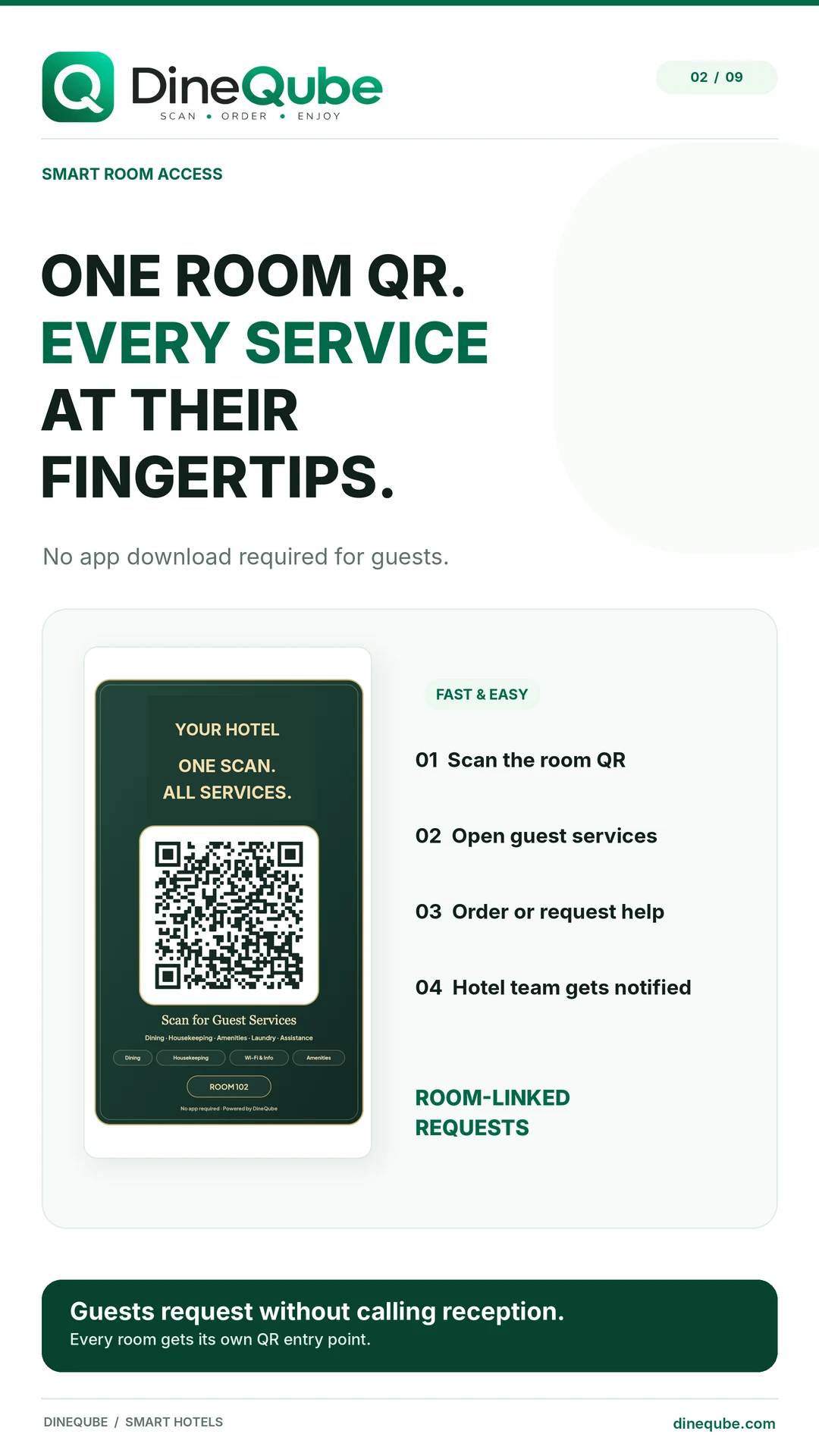
HOTEL WORKFLOW · 02
Configured service routing gives reception and staff the room-linked details they need. Assigned work can be reviewed in supported staff workflows.
Explore Hotel software ↗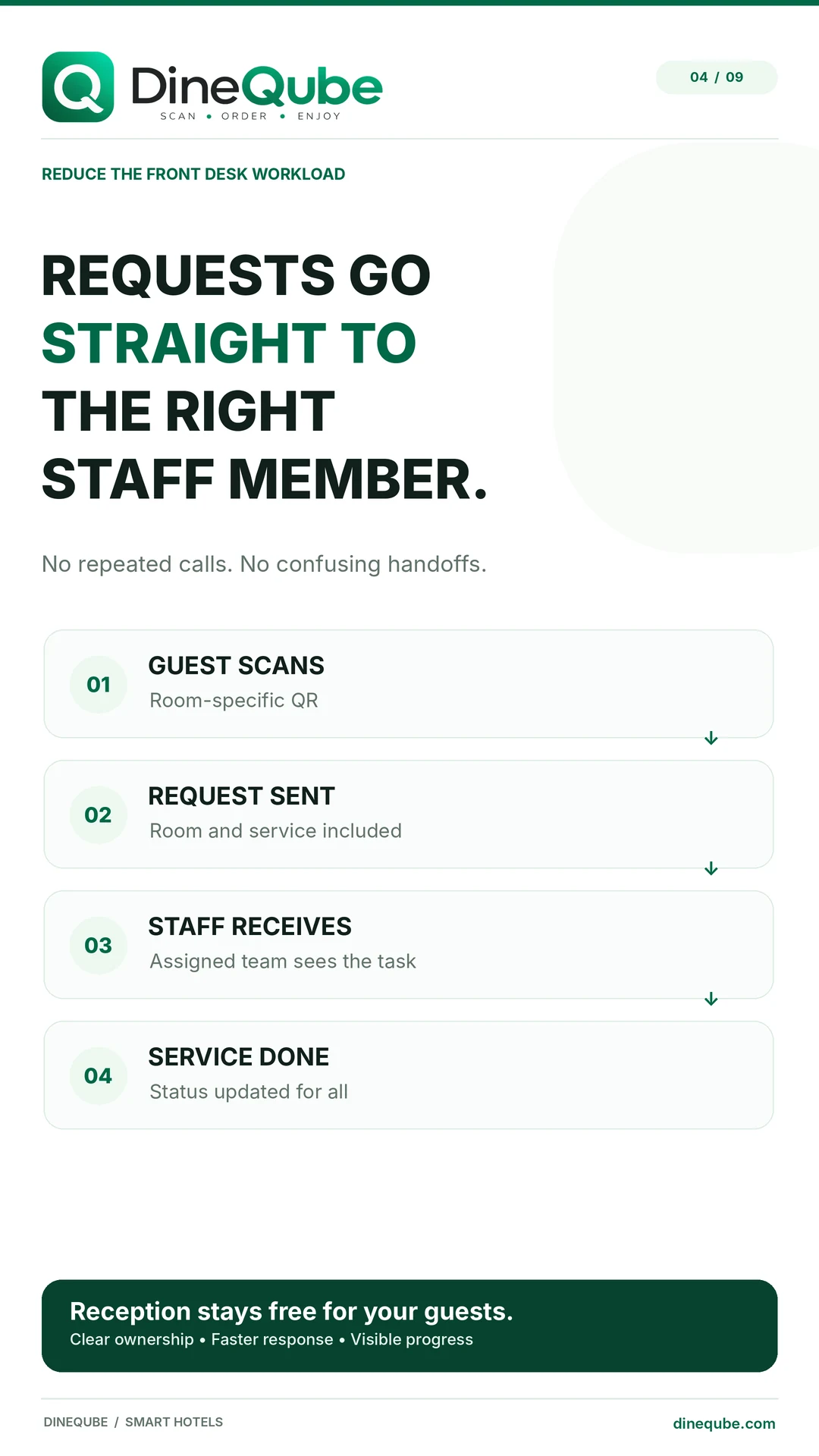
HOTEL WORKFLOW · 03
The Hotel dashboard brings room and service activity together so the team can review progress and completion.
Explore Hotel software ↗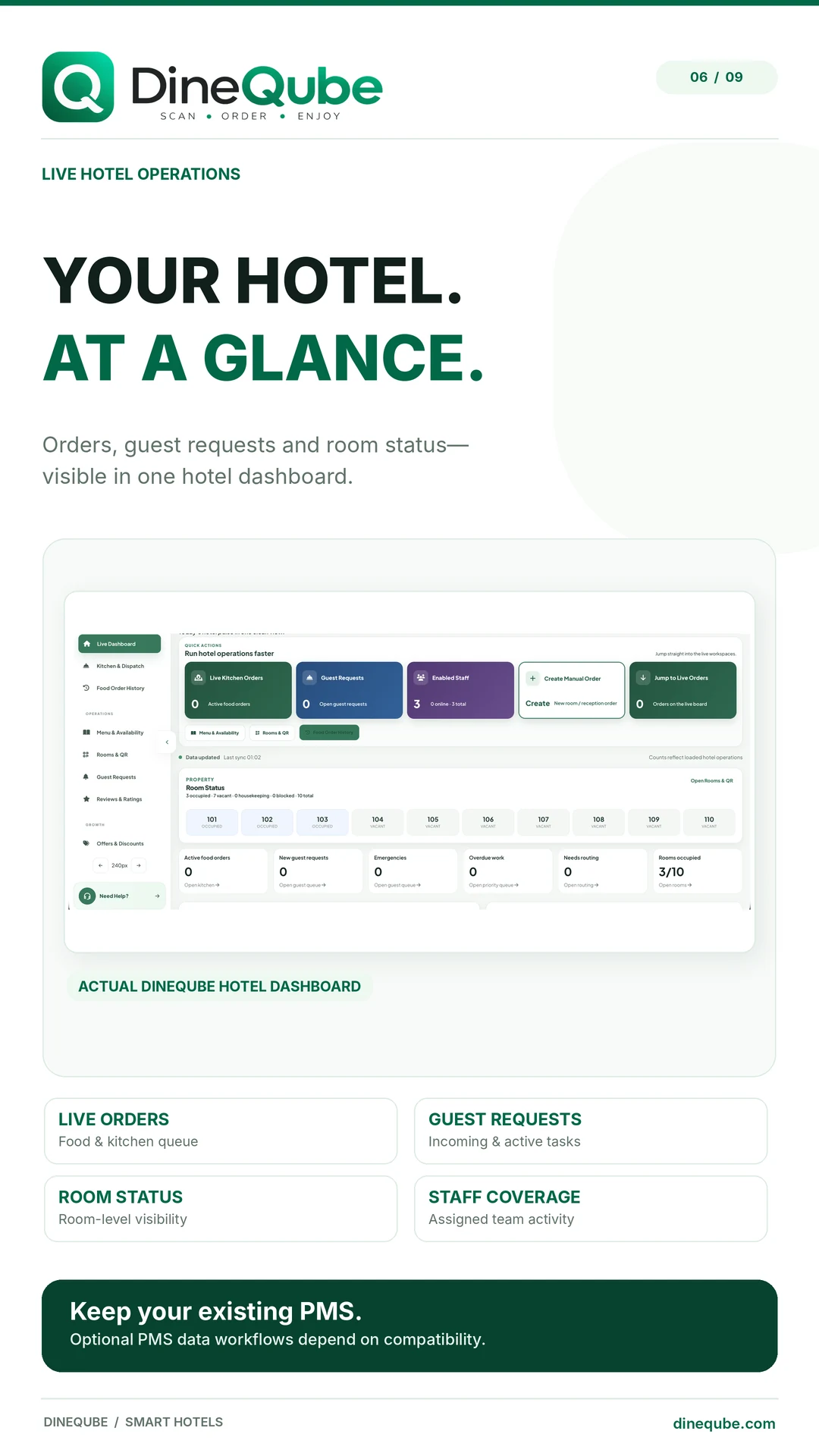
Select each step to explore the guest journey and the next action for the team.
Configure the restaurant or hotel experience, menu, QR entry points and operational workspace.
Guests use their own phone — without downloading another app.
Orders and requests arrive with context, status and the next action visible.
PRACTICAL WORKFLOWS
Choose a table order or a hotel room-service request. Use your own menu, service categories and staff roles to identify what should reach the counter, kitchen, reception or service team. This makes the demo specific to the hand-offs you need to improve.
Check the business profile, menu and prices, QR destinations, staff permissions and any supported printer setup. Decide who receives work and who closes it. Confirm your plan and enabled functions before printing cards or training a larger team.
Run a complete order or request on a guest phone and the team dashboard. Test a correction, an unavailable item and a delayed task. Then agree on the service routine, team ownership and support route for the first live shift.