DINEQUBE · SCAN · ORDER · ENJOY
Run your whole restaurant from one screen.
Billing, QR ordering, delivery and analytics in one system built for Indian restaurants. Keep the direct customer relationship—and the margin.
- No guest app needed
- Own-rider delivery
- One operations view
● Live operationsToday · All outlets
Table 12Your orderPaneer Tikka₹320 Fresh Lime₹180
✓Order acceptedSent to kitchen
POSFast billing
QRScan to order
DirectNo marketplace dependency
LiveRider visibility
Five tools your restaurant uses every day.
Start with the workflow you need. Add the rest without stitching together another app.
▣
POS & Billing
Move from order to KOT to payment without slowing the counter.
Learn more →⌗QR Scan & Order
Let guests browse and order from the table. No app download.
Learn more →↗Online Ordering
Take direct orders and keep control of the customer journey.
Learn more →◎Rider App
Assign deliveries, share live status and run your own fleet.
Learn more →⌁Analytics
See sales, orders and outlet performance from one dashboard.
Learn more →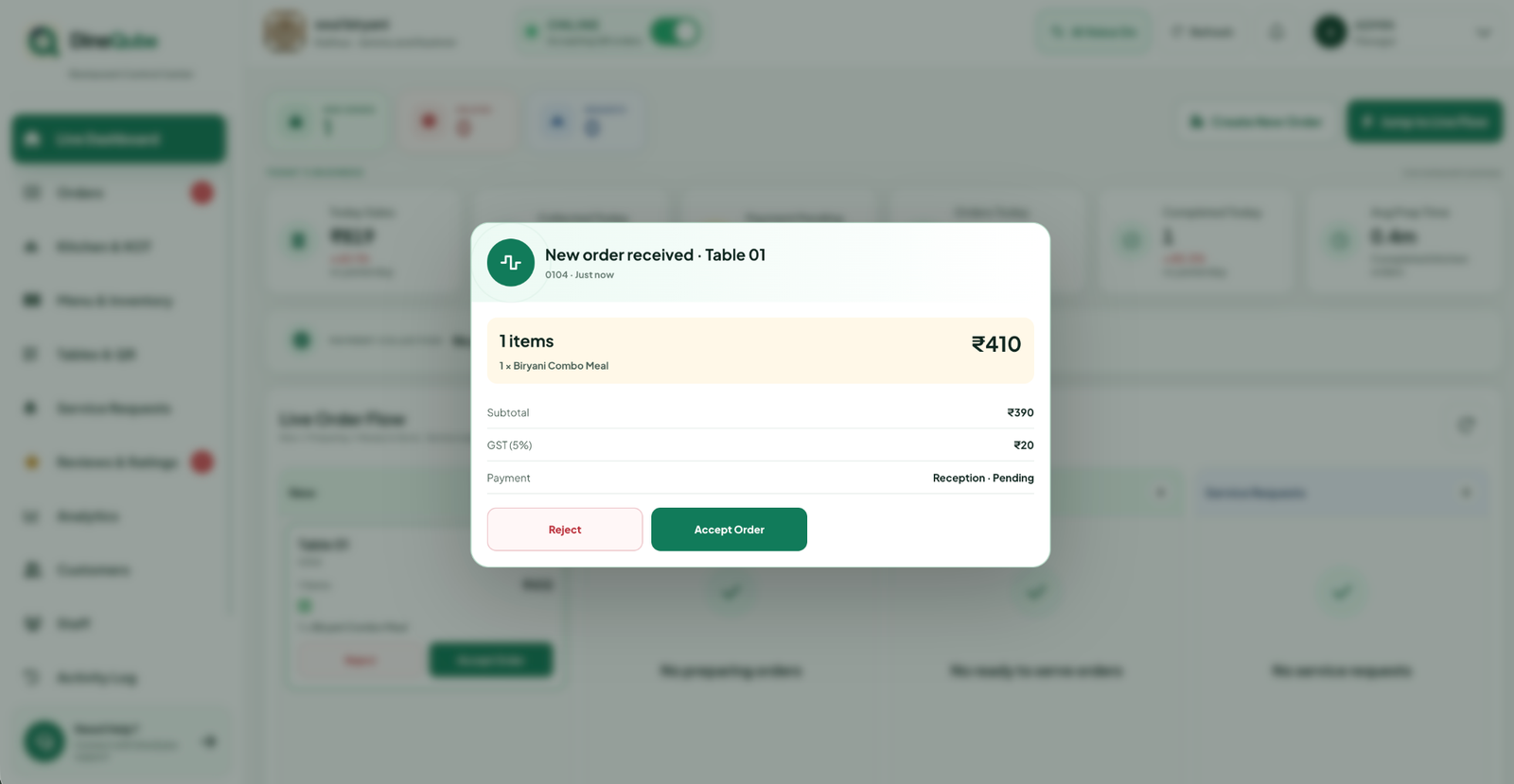
POS & OPERATIONS
See the rush while it happens.
Billing, live orders and KOT status stay in the same workspace. Your counter and kitchen work from one source of truth.
- Channel-wise order view
- Kitchen-ready workflow
- Outlet-level visibility
▦
QR SCAN & ORDER
More orders. Fewer hand-offs.
A table QR opens the menu, takes the order and routes it into operations. Guests stay in control; staff stay focused.
- No guest app download
- Live menu updates
- Order context reaches the kitchen
R●⌂
Arriving in12 minRider is on the way
DIRECT DELIVERY
Keep the order—and the customer.
Take online orders, assign your own riders and show live delivery status without turning your business into a marketplace listing.
- Direct ordering channel
- Own-rider dispatch
- Live customer status
WHY TEAMS SWITCH
Less app-switching. More operational control.
Bring the guest, kitchen, counter and delivery journey into one system.
See the comparison- ✓ Direct orderingKeep a branded customer journey.
- ✓ Own-rider trackingDispatch and status in one workflow.
- ✓ One live dashboardPOS, orders and delivery without tab-hopping.
- ✓ Built for Indian operationsPractical workflows for real service hours.
One platform. Different operating realities.
PROOF, NOT PROMISES
Measure the change in your own operation.
DineQube demos use your service flow: counter, tables, kitchen, direct orders and riders. See where time and order context are lost before you commit.
OPERATIONS PLAYBOOK
View all articles →Useful reads for restaurant teams.
SEE YOUR WORKFLOW IN DINEQUBE
Book a practical, no-pressure demo.
Tell us the basics. We’ll show the flow that matches your restaurant.