01
Room QR ordering
Start the order from the guest’s room-linked QR journey.

Let hotel guests scan the room QR, browse the food menu and place an order without waiting on a phone call — while the team keeps room, preparation and delivery status connected.
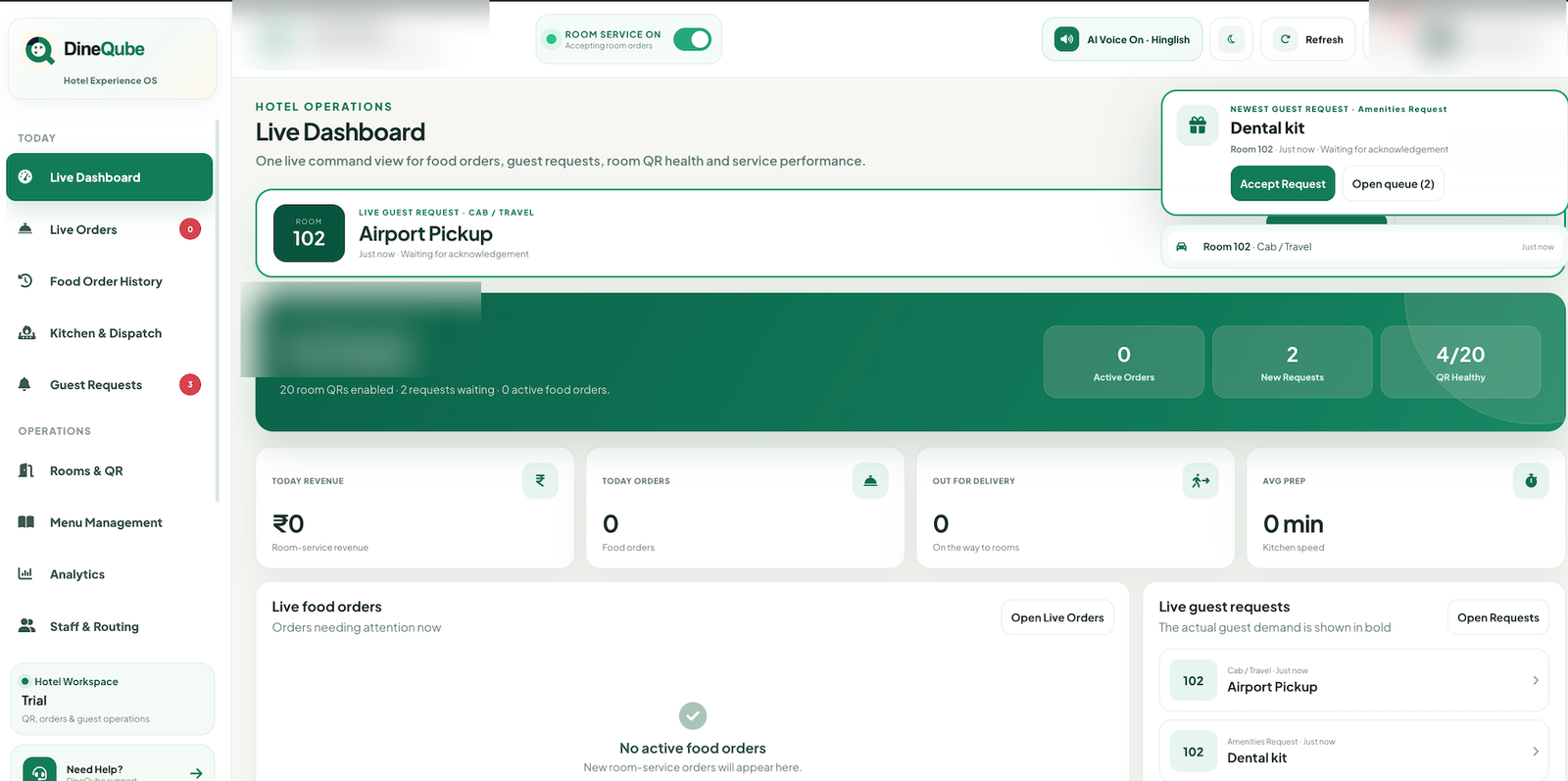
The value is not just a digital menu. It is a room-linked order path that keeps the guest action, kitchen preparation and room delivery stage in the same operational context.
Product visual shown without a hotel or guest name.
DineQube keeps the guest experience simple while giving hotel teams clearer operational context.
Start the order from the guest’s room-linked QR journey.
Keep room-service items available on the guest’s phone.
Move accepted orders into preparation and ready stages.
Track the final hand-off toward the guest room.
Surface incoming hotel food orders to the team.
Retain room-service order context for operations and analytics.
Explore the related workflows that connect room QR, guest service and staff operations.
It is a digital ordering workflow that lets hotel guests order food from their room while connecting the order to hotel kitchen and delivery operations.
No. DineQube uses a browser-based room QR journey.
Room-specific QR configuration is designed to carry the relevant room context into the guest experience.
DineQube hotel food operations use stages such as preparing, ready, out for delivery and delivered.
No. A static menu shows information; DineQube is designed to connect the order to operational fulfilment.
Walk through your hotel’s real guest-service flow and see how DineQube fits the operation.