
How DineQube WorksSimple for guests.
Simple for guests.
Operational for your team.
The experience starts with a scan and ends in the operational screen where a Restaurant or Hotel team can act.
1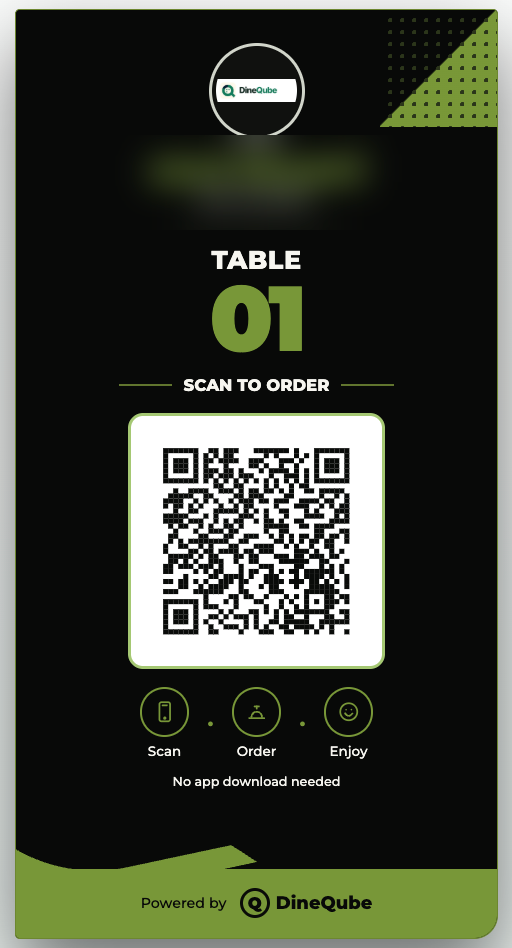
2Browse & order
3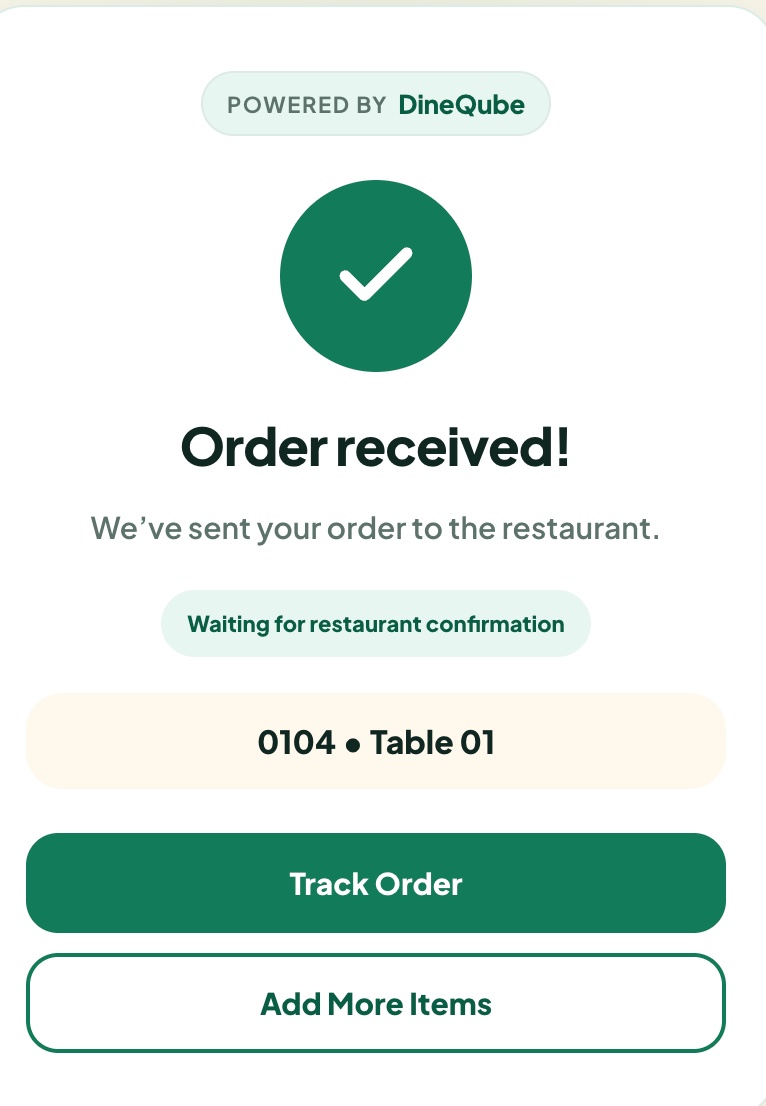 Order confirmed
Order confirmed4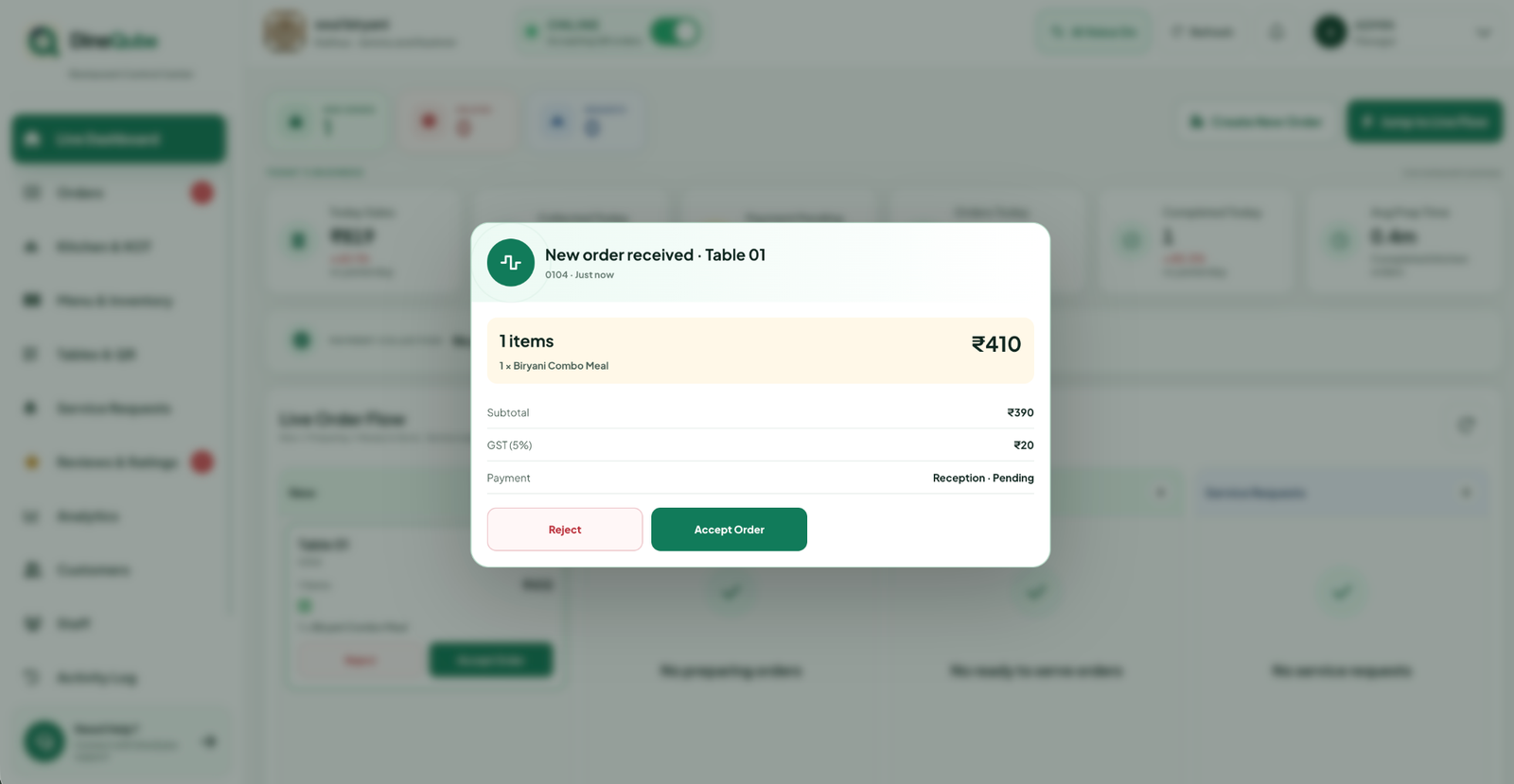 Live operations
Live operations1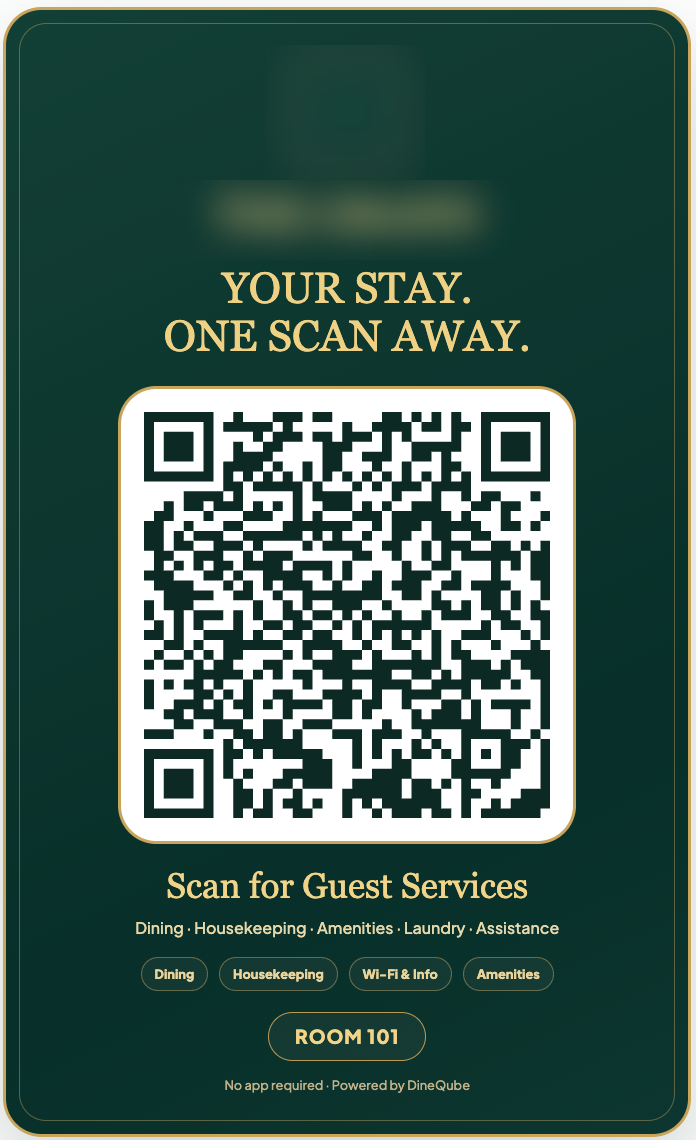
2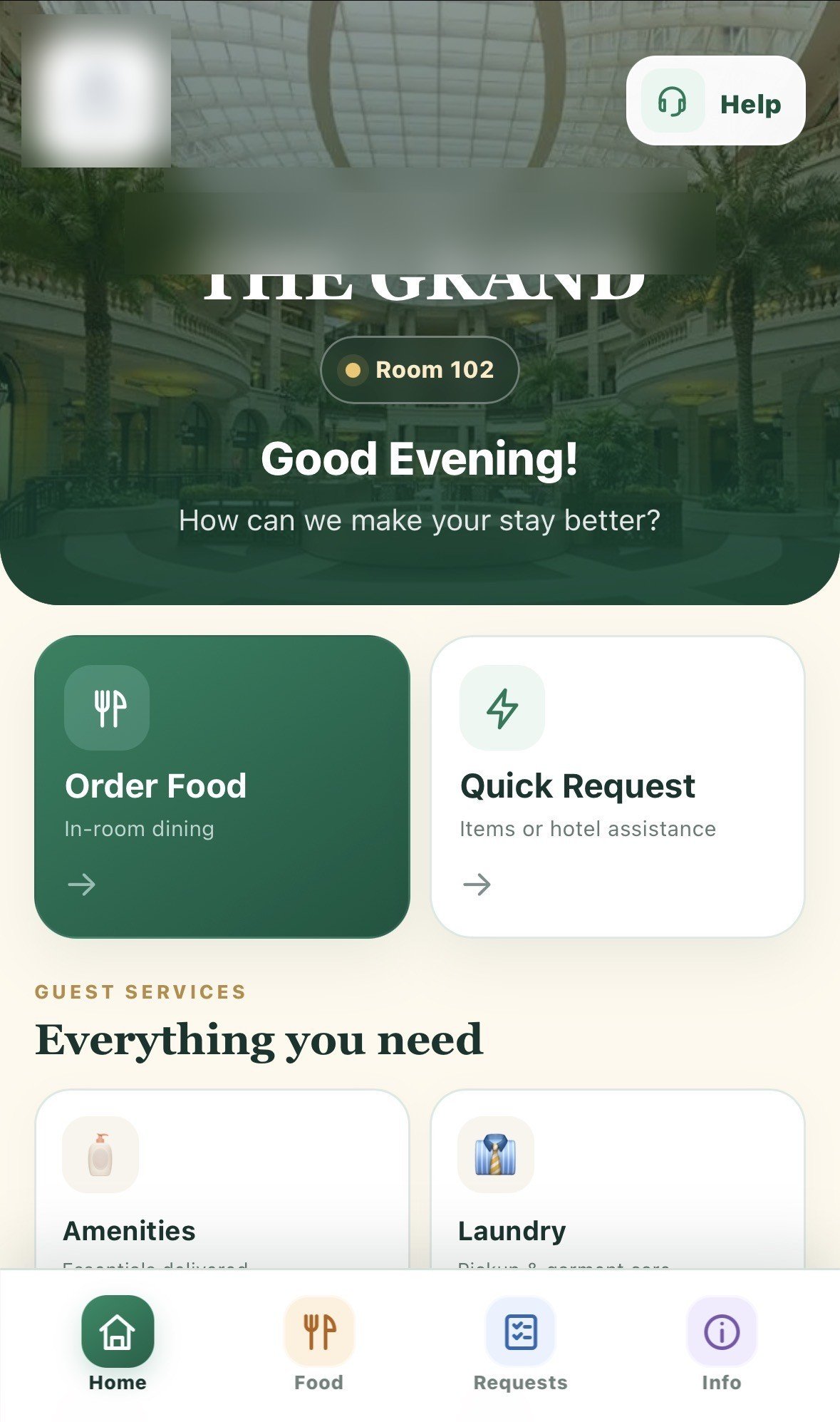 Choose a service
Choose a service3
ROOM 304
Request sentAmenities request
Request received · waiting for hotel action
Sent to team
4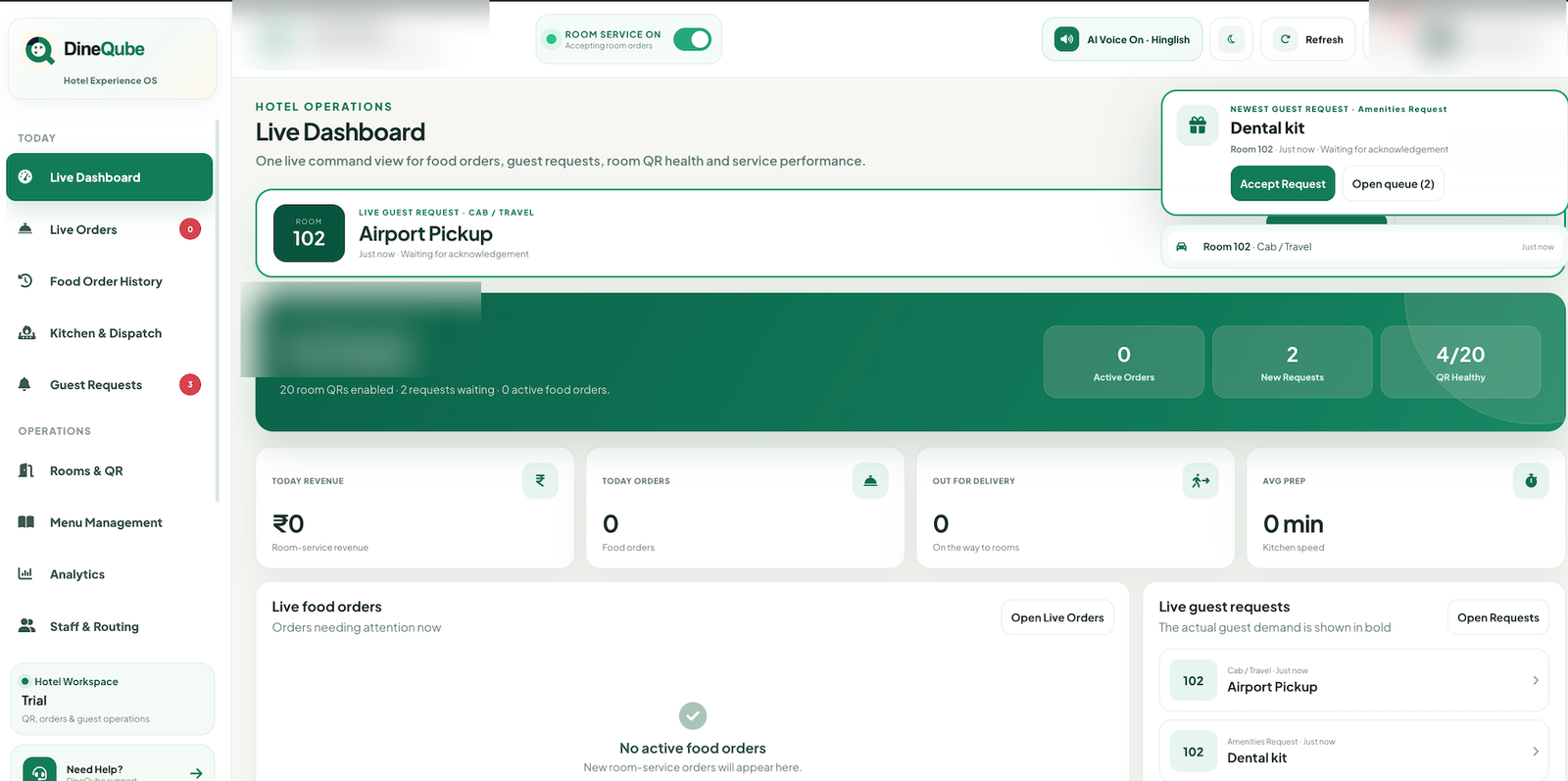 Hotel operations
Hotel operations
Qube AIOperational alert ready
Restaurant flow
Table QR → Order → Kitchen
1
Scan
Guest scans the table QR.
2
Browse
Interactive menu opens.
3
Order
Order reaches live operations.
4
Prepare
Kitchen/KOT flow handles preparation.
5
Serve
Team completes the service.
Hotel flow
Room QR → Request → Hotel Team
1
Scan
Guest scans the Room QR.
2
Choose
Food or hotel service.
3
Request
Request enters operations.
4
Team Acts
Hotel team accepts and fulfils.
5
Complete
Guest stays informed.
Business setup
From onboarding to a live guest journey.
1
Set up business
Configure Restaurant or Hotel basics.
2
Configure QR
Tables or rooms receive QR access.
3
Go live
Guests can begin scanning.
4
Operate
Manage live activity from DineQube.