01Scan the QRTable QR starts the journey
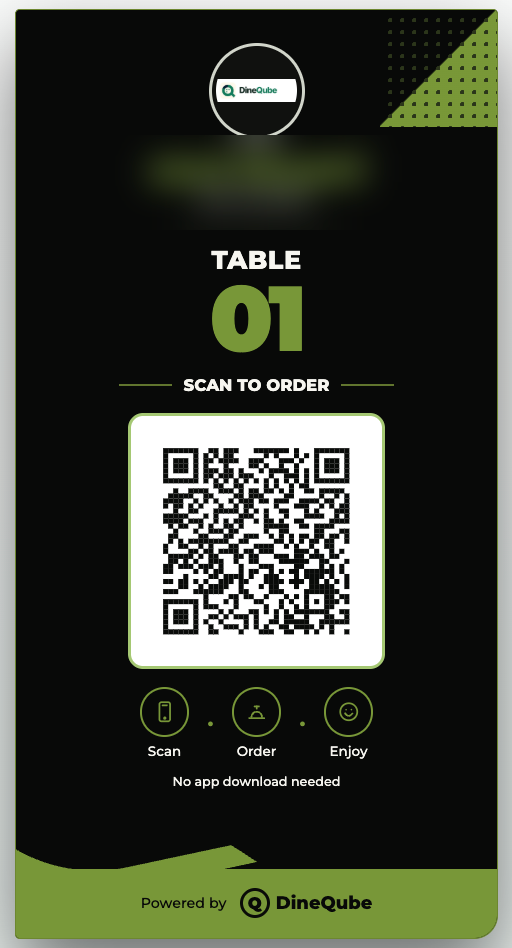

Give guests a browser-based menu that can do more than display items: scan, browse, order or request service, then send that action directly into DineQube operations.
A table QR gives guests a browser-based menu and ordering path that connects to live Restaurant operations.
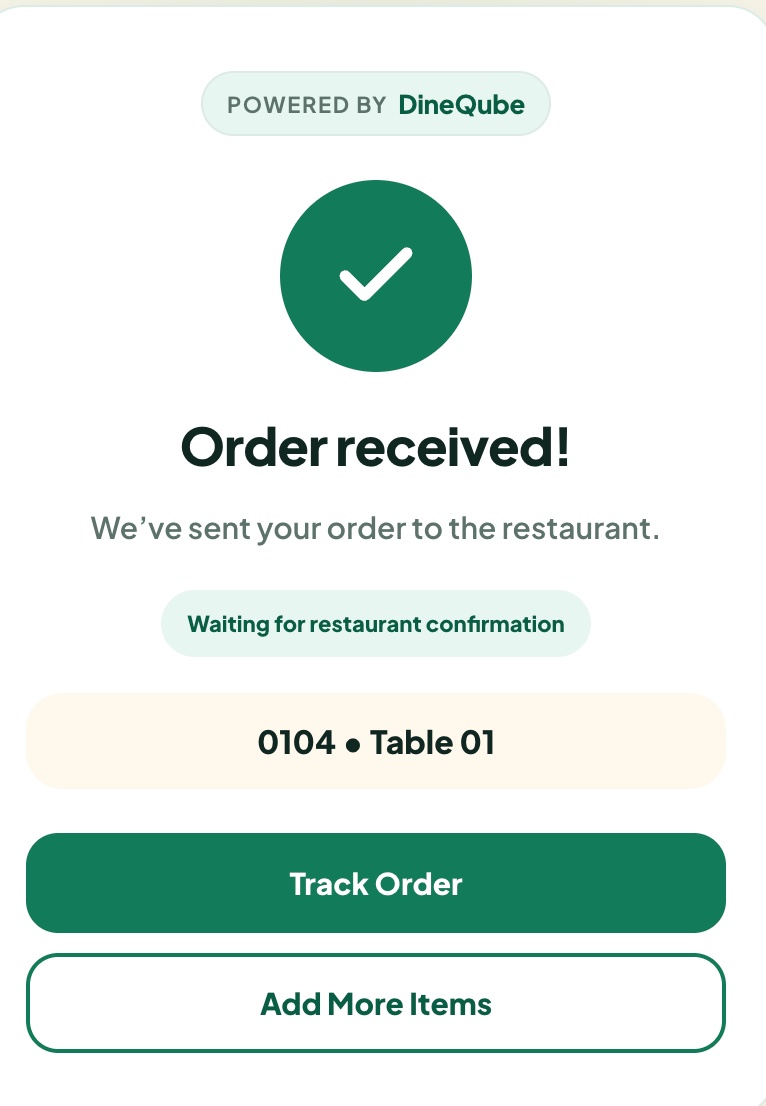
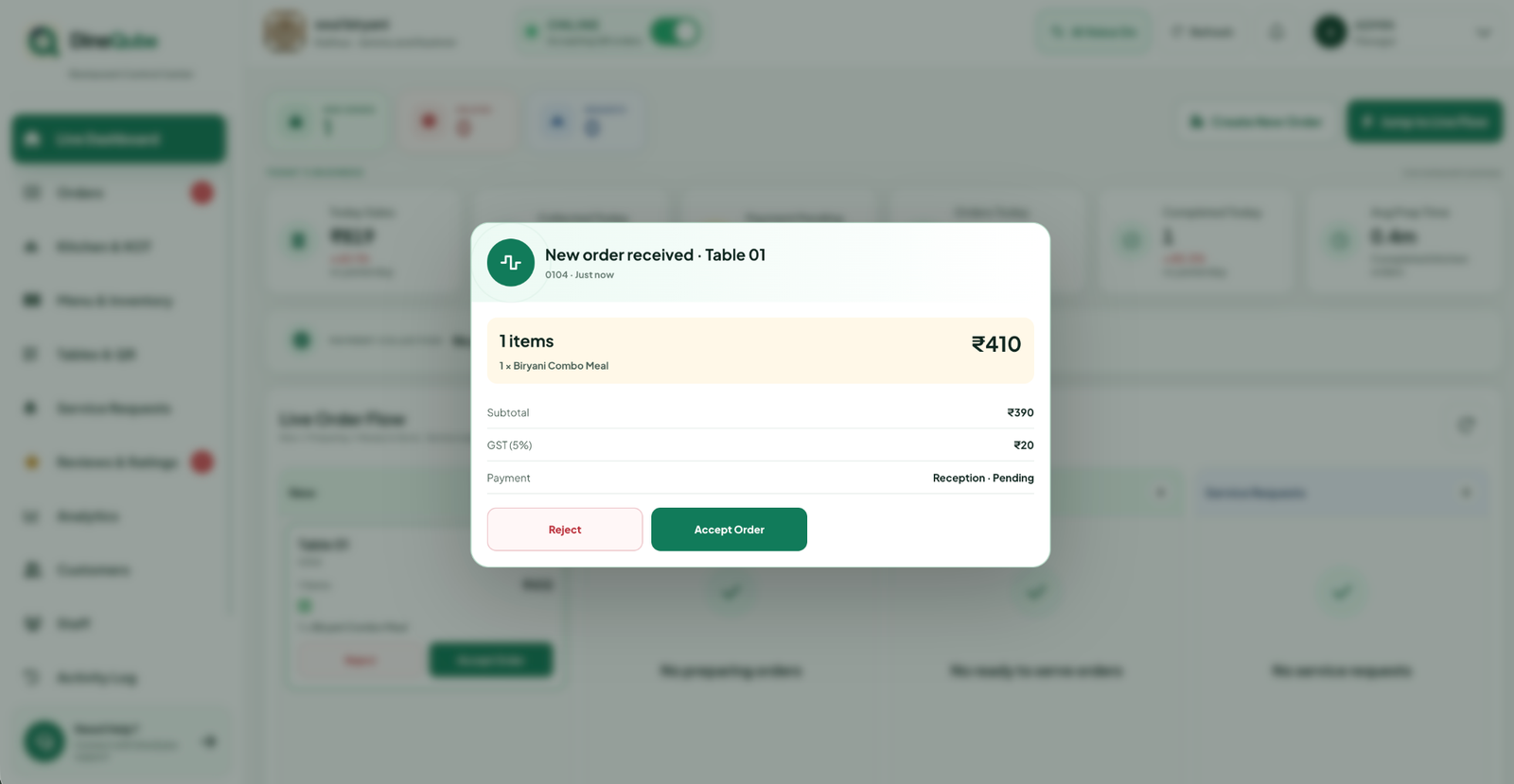
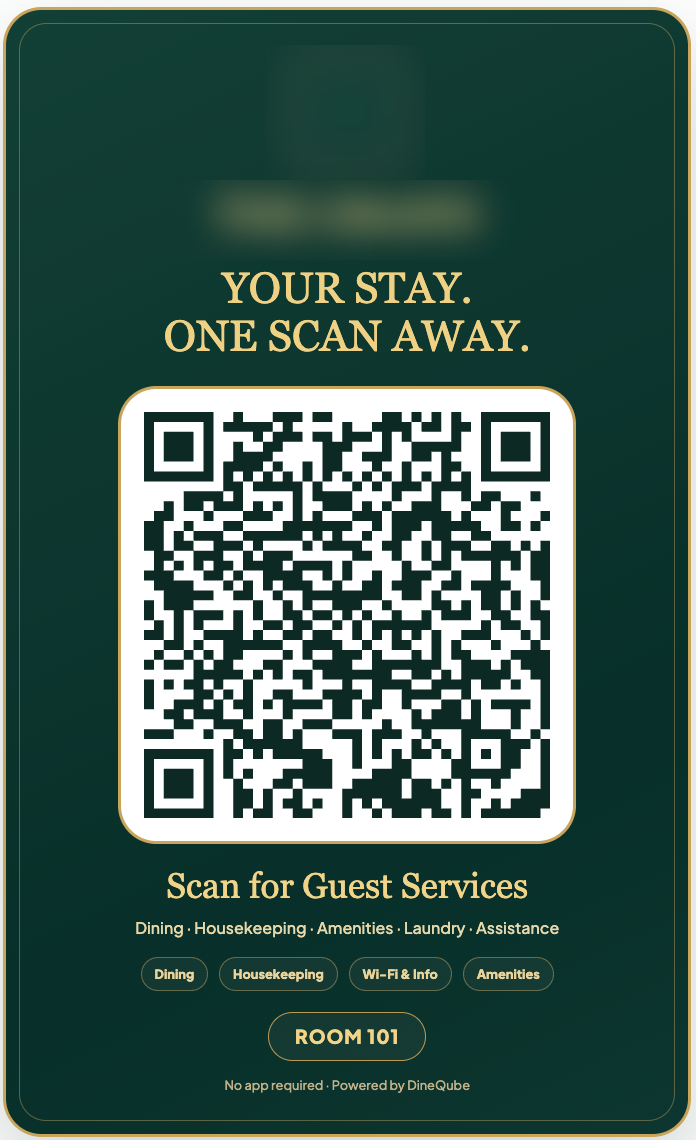
A room QR can open the hotel guest experience for food, amenities, housekeeping and assistance.
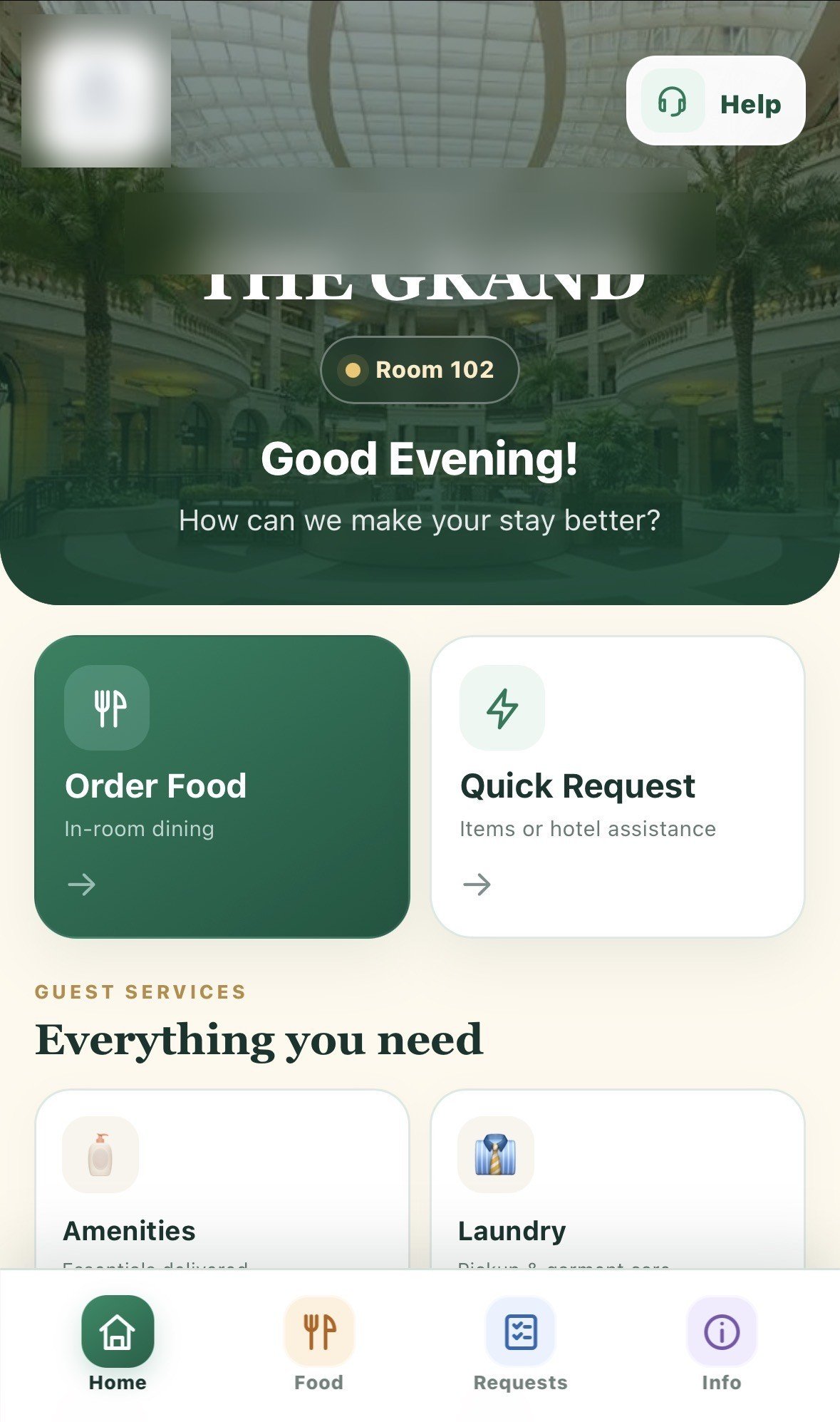
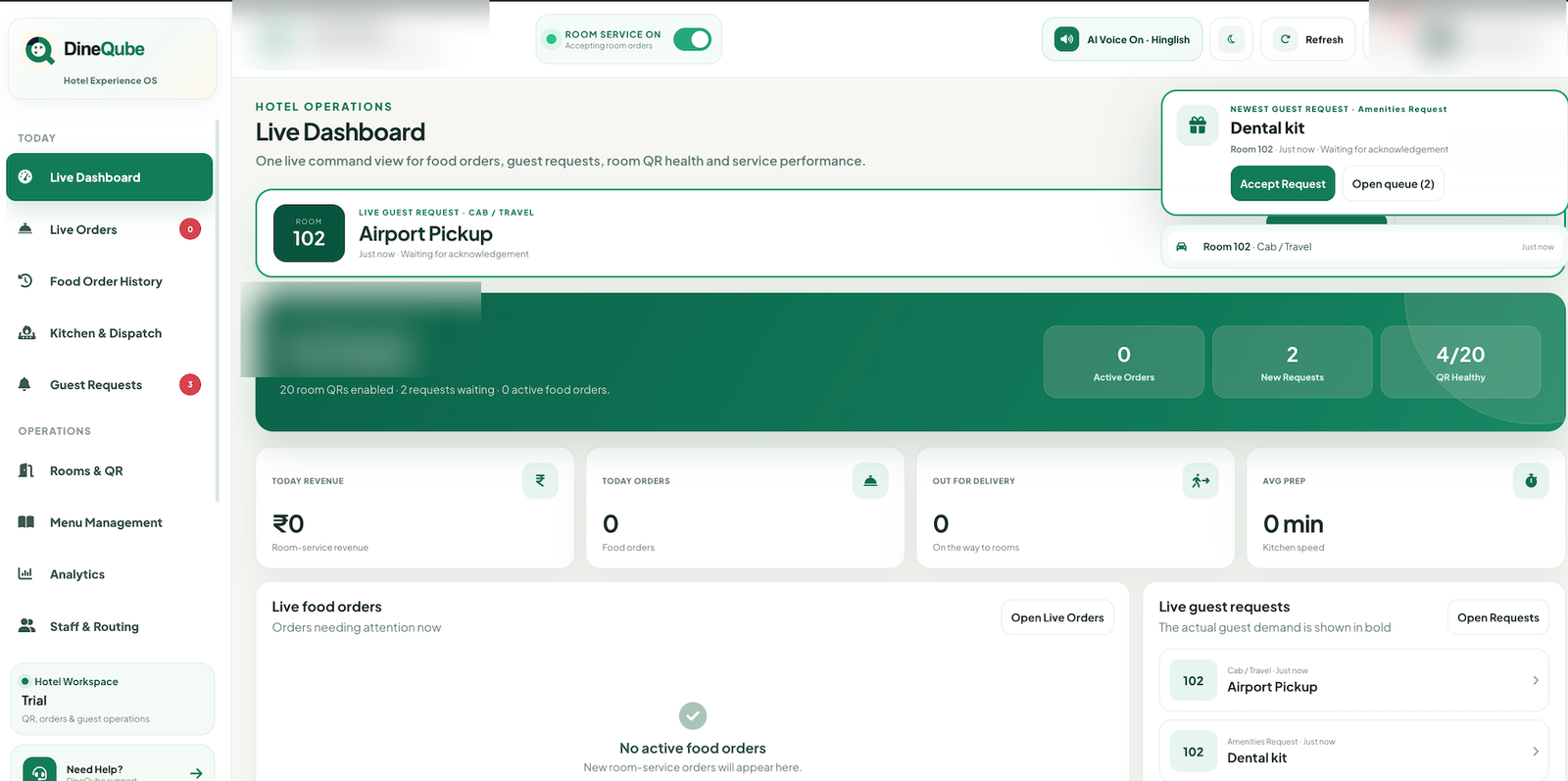
A QR Menu lets a guest scan a code with their phone to access a digital menu or service experience. The simplest version displays a static menu. An interactive QR ordering system can go further by letting the guest browse, select and submit an order or request from the same experience.
A QR code points the guest to a mobile web experience. With DineQube, that web experience can connect to Restaurant ordering or Hotel guest services.
QR ordering can reduce repeated manual ordering steps, give guests direct menu access and connect customer actions to live operational screens.
Hotels can use a room QR as a guest experience entry point for food, amenities, housekeeping, laundry and assistance.
A PDF can display information. An interactive QR experience can let the guest act — and route that action into the business workflow.
Operational events created through the QR journey can feed supported Qube AI alerts without turning the QR itself into an AI gimmick.
The DineQube guest journey is designed to work in the browser, keeping the scan-to-action path simple.
Connect QR discovery with ordering, kitchen and guest-service operations.