DineQube for Restaurants

From table QR to live restaurant operations.

Guests scan and order from the table while your team manages the live workflow across kitchen/KOT, billing, customer updates and optional Growth delivery.

Browser-based QRLive order flowKitchen / KOT
Restaurant live workflowTable 12 · Live
01Table QRGuest scans to begin
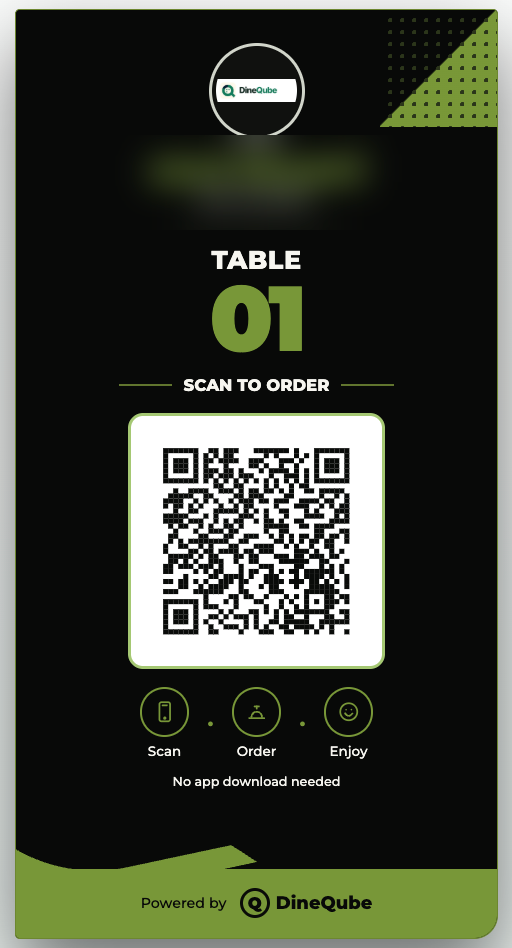
DineQube restaurant table QR
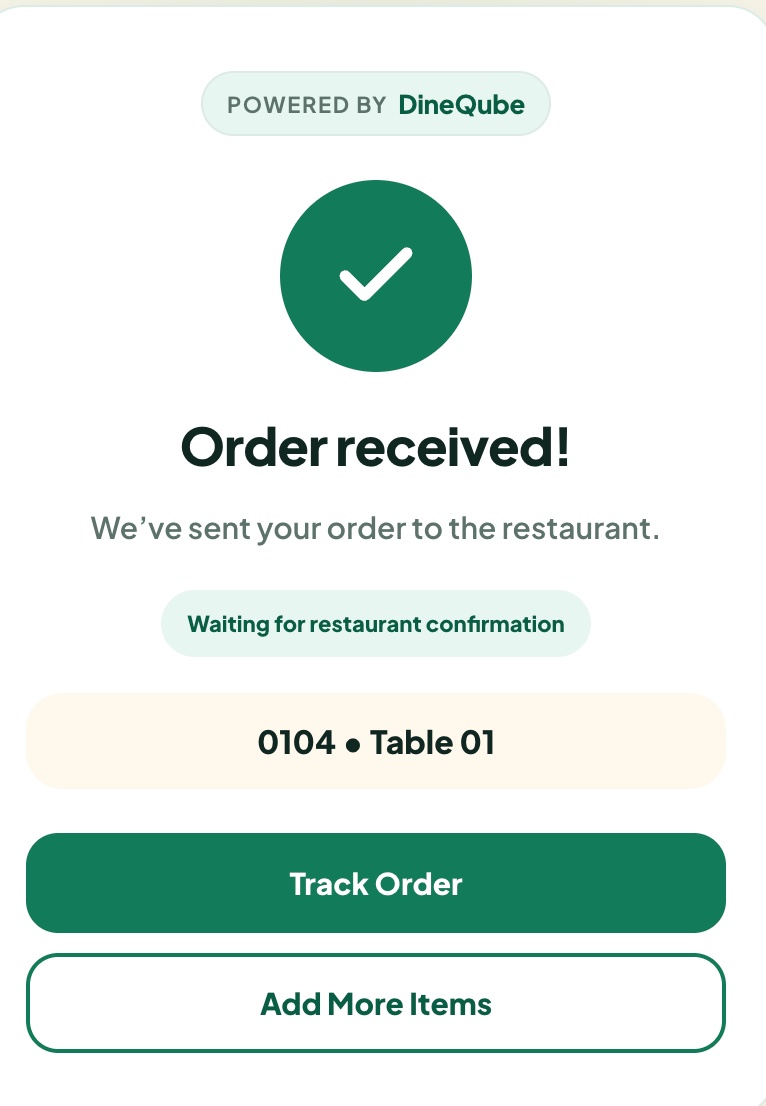
02Order confirmedStatus stays visible
DineQube restaurant order confirmation
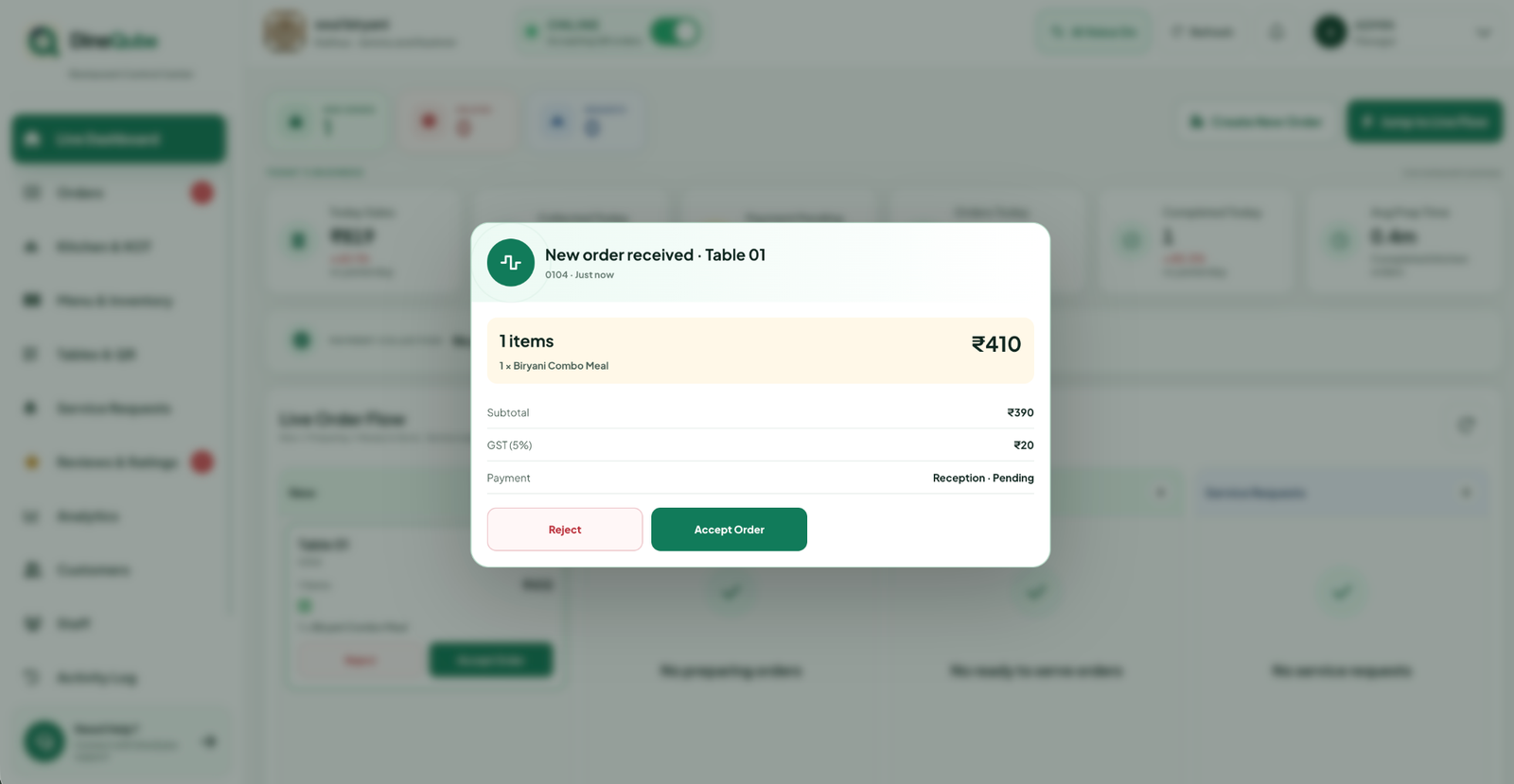
03Live dashboardOrder reaches operations
DineQube restaurant live operations dashboard
Qube AI alert
Qube AI alertNew order from Table 12
The restaurant journey

Watch an order move through DineQube.

The product story is visible from the table to the kitchen.

1

Scan

Guest scans the table QR.

2

Browse

Menu opens instantly in the browser.

3

Order

Order is placed and confirmed.

4

Kitchen

Team accepts and moves it through KOT.

5

Serve

Order reaches the guest with clear status.

DineQube restaurant table QR
DineQube restaurant live dashboard
Built for real restaurant operations

Show the product behind every feature.

QR Menu & Ordering

One table QR, a complete ordering path.

Guests browse and place orders from their own phone without downloading an app.

Restaurant QR menu
Live Orders

Orders land where the team can act.

See table context, order status and the next operational action in one view.

Restaurant live order dashboard
Order Confirmation

Guests stay informed.

Confirmation and tracking reduce unnecessary follow-ups after an order is placed.

Restaurant order confirmation
Kitchen / KOT

Move from accepted to ready.

A connected operational flow keeps the front of house and kitchen aligned.

Qube AI

Blue intelligence layer for restaurant operations.

Voice alerts and AI-assisted menu workflows support teams without replacing the live operational view.

Manual friction

When the guest journey depends on repeated handoffs.

  • Waiter needed for every order step
  • Manual re-entry can create confusion
  • Kitchen visibility depends on follow-ups
  • Guest has limited status visibility
DineQube workflow

Direct guest action, connected operations.

  • Guest can scan and order directly
  • Order appears in live operations
  • Kitchen/KOT status stays connected
  • Analytics and Qube AI build on the same workflow
Qube AI for Restaurants

Operational intelligence that can speak up.

Use Qube AI for voice alerts and AI-assisted menu workflows. Advanced business intelligence remains clearly separated as the roadmap evolves.

Explore Qube AI
Live orderTable 12 · New order
Qube AI working
Voice alertOrder needs review
Grow beyond dine-in

Run direct delivery from the same restaurant ecosystem.

Direct Delivery OS is live on Restaurant Growth. Inventory intelligence remains on the roadmap.

📦
AI Inventory Intelligence

Stock, wastage and purchase visibility.

Future sales-linked stock insights and smarter operational alerts.

🛵
LIVE · RESTAURANT GROWTH

Direct Delivery OS.

Accept direct delivery orders, assign your own riders, track milestones and keep customer updates connected from the same DineQube ecosystem.

Explore Delivery →

Ready to simplify your restaurant operations?

See the full scan-to-kitchen journey with your own team.

Restaurant solutions

Explore dedicated DineQube workflows for ordering, POS, kitchen, inventory, profitability and delivery.